I'm Shanee Moret, founder of GrowthAcademy.Global. I have been making AI tutorials for business owners since January 2023, and most weeks now I am inside established small businesses helping owners set up AI agents. What I see coming is humans calling their agents, the agent calling them back to just check in, and the agent also calling internal team members, prospects and customers on the regular. This will become very normal.
We already see it with Grok Bot, which is able to dial out within ten minutes of setup (I tested it in my DialBot walkthrough). You can call your dot inside of ChatGPT. Soon it will be able to call you back, have its own number, have its own email. Your communications with your agents will be a lot more human.
That sounds fun. The problem is that at the same time, voice cloning has gotten so good that somebody could potentially clone your voice and use it nefariously, and there have already been big companies that have fallen for multi-million dollar scams because of this. Usually they will use a voice that is familiar to that person, through a number that is familiar to that person. With new behavior come bad actors.
So here are the 10 ways I would protect an established small business in the AI era, in order from easiest to hardest. Each one links to a full guide with the exact steps.
Why this matters now: your agent will have a phone number
What I see happening is that your chief of staff agent, at least in the beginning, will soon have its own phone number and its own email. It'll call you, you will call it. At the same time, the models have gotten so much better that they can pause and sound extremely real, like you're talking to a human.
Beforehand, you could know you were talking to Shanee because of my voice. Now, with voice cloning, probably within maybe 20 minutes somebody could easily clone my voice, and you could think that you're talking to Shanee. The FBI has warned that criminals now use AI-generated audio to impersonate relatives and executives and ask for money.
None of the 10 steps below needs a security team. They are the little basics, and most of them take an afternoon.
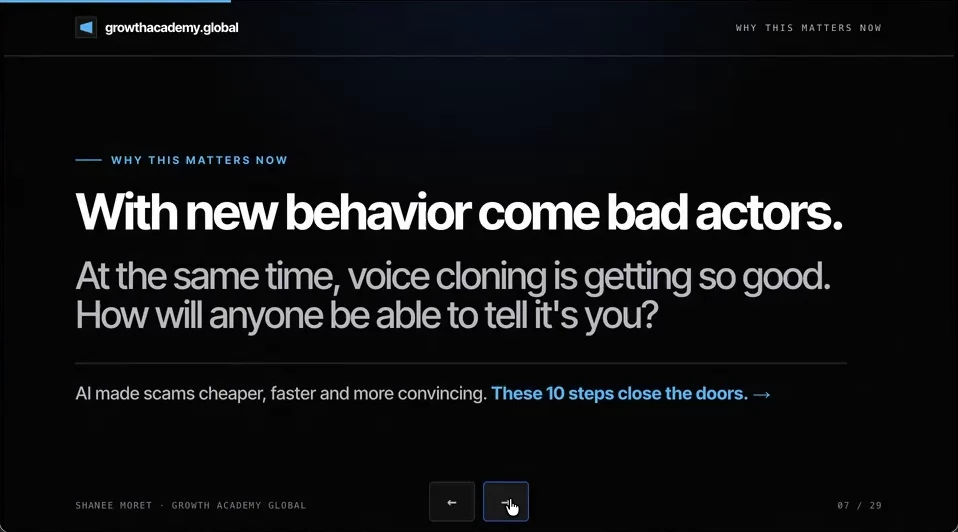
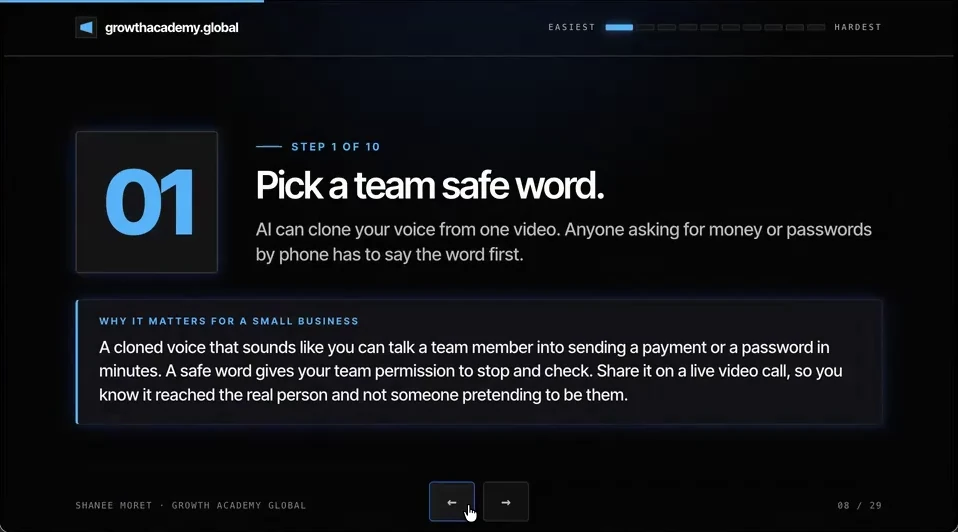
1. Pick a team safe word
AI can clone your voice from one video. Anyone asking for money or passwords by phone has to say the word first. Pick a short phrase that is not on social media (skip pet, kid and street names), share it on a live video call, and set the rule: no word, no money, no passwords. This could also apply to the family side.
How to set up a team safe word
2. Hang up and call back on a number you already have
If your bank or anyone else calls for money or information, hang up and call them back on a number you already have. Scammers can fake caller ID, so the call can show your bank's real number. Give everyone the words to use, "Hey, for safety, I'm going to hang up and call you back," so no one on your team has to feel weird when they do it.
How to build the call-back habit
3. Turn on two-factor with an authenticator app
I see a lot of people starting to play with agents who don't even have their two-factor turned on, and when they do, it is usually a second email. Ideally you want the two-factor to be an authenticator app, on the phone of a key owner who is usually reachable, because the code rolls every thirty seconds and you are not getting in without it.
How to set up authenticator 2FA for the business
4. Move everyone to a password manager
When one password is reused, one leak opens every door. A password manager creates a unique strong password for each account, shares logins without texting them, and cuts someone off the day they leave. Personally, I use Bitwarden and have for a few years.
How to move your team to a password manager
5. Audit who has access to which apps
Remove old employees and vendors, and check access levels. Not everyone needs to be super admin. This is especially important in the age of AI, because if a person has that level of access, so does their agent.
6. Delete duplicate accounts
Extra profiles and logins confuse your AI agents, and they give scammers one more way in. A client of mine has three Facebook profiles, and the first one her agent connected to was the one she didn't really use. It took about an hour to correct.
How to clean up duplicate accounts
7. Map what each person's AI agents are allowed to do
Not every agent needs admin in QuickBooks, or permission to add and delete in HubSpot, SharePoint or Google Drive. An agent with too much access can delete records, move money or share files in seconds, by mistake or because someone tricked it. When several people on your team use agents, one shared set of rules keeps everyone at the same safe standard.
How to map your agent permissions
8. Set spending alerts and limits
An agent stuck in a loop or a leaked API key can run up a large bill overnight, and you still pay it. Put a limit on API billing, and if an agent can buy things, give it a card with a low limit and written rules for what it may buy.
9. Train your customer-facing agents not to leak
If you have a voice agent, a prospect or a competitor could start asking it a bunch of questions and trick it into confirming whether someone is a customer, or into a refund policy you don't have. In 2024 a Canadian tribunal held Air Canada responsible for wrong refund information its website chatbot gave a customer.
How to leak-test a customer-facing agent
10. Have everyone log into AI with a business account you control
The number one mistake I see is people logging into the wrong email. They logged into the personal one over the weekend, and now they are doing accounting for your business on it. ChatGPT Work (Codex), ChatGPT and Claude should run on plans the company pays for, signed in with a company email, ideally on a company computer.
How to move your team onto business AI accounts
Here's the order I'd do them in this week:
- Today: pick the team safe word and share it on a live video call.
- Today: save the real numbers for your bank, payroll provider and key vendors, and tell the team about hang-up-and-call-back.
- This week: turn on authenticator-app two-factor for email, banking, payroll and social media, then start the password manager.
- This week: run the access audit and delete the duplicate accounts you control.
- Next: write down what each person's agents may read, add, edit or delete, and what each one may spend.
- Before any agent talks to customers: try to trick it yourself, and move everyone onto business AI accounts.
Honestly, these are just the little basics of the first 10. They are also the ones a scammer with a cloned voice is counting on you to skip.
Questions business owners are asking
How do I protect my small business from AI voice cloning scams?
Start with the two habits that need no software: a team safe word and hang-up-and-call-back. Anyone who calls asking for money, a password or an account change has to say the safe word first, and if they don't, you hang up and call them back on a number you already saved from their website or your card. A cloned voice can sound exactly like your bookkeeper. It cannot know a phrase that was only ever said on a live video call, and it cannot answer a call you place to the real number.
Which of the 10 steps should a small business do first?
Do them in the order listed, because it runs from easiest to hardest. The safe word and the call-back habit take one team meeting. Two-factor with an authenticator app and a password manager take an afternoon each. The access audit, duplicate accounts and agent permissions take longer because you have to open every app. Leak-testing customer agents only matters once you have an agent talking to customers.
Why does AI make old security basics more important?
Because whatever a person can reach, their agent can reach too, at the same level. A former contractor who is still an admin in your CRM is a risk on their own. If they connect an AI agent to that CRM, the agent can delete or edit things in seconds, even with no bad intent. AI also makes scams cheaper: a convincing voice, a believable email and a fake invoice used to take real effort, and now they take minutes.
Do I need a security company to do this?
No. None of these 10 steps needs a security team, and tools like ChatGPT Work (Codex) or the ChatGPT desktop app can walk you to the right settings page in each app. Bring in a professional when you have regulated data, a past breach, or more systems than you can audit in a week. For most established small businesses, the basics here close the doors scammers actually use.
How often should I repeat these steps?
Some are events, not schedules. Change the safe word and shared passwords the day someone leaves the team. Remove a person from every app the day they leave. Re-run the access audit and the review of connected apps every quarter, and re-test any customer-facing agent every time you change its instructions or what it can see.
Key moments in the video
- 0:00 Agents will call you, and you will call them
- 0:49 Voice cloning and multi-million dollar scams
- 1:43 1. Pick a team safe word
- 2:53 2. Hang up and call back
- 3:27 3. Two-factor with an authenticator app
- 5:06 4. Move everyone to a password manager
- 7:05 5. Audit who has access to which apps
- 9:52 6. Delete duplicate accounts
- 11:26 7. Map what each person's agents may do
- 13:45 8. Spending alerts and limits
Sources
Official / Primary Sources
- OpenAI: Introducing dots. OpenAI's DevDay announcement, September 29, 2026, of dots, agents in ChatGPT you can call.
- FBI IC3: Criminals Use Generative Artificial Intelligence to Facilitate Financial Fraud. Public service announcement, December 3, 2024. Covers AI vocal cloning used to impersonate relatives and executives, and advises agreeing on a secret word or phrase.
- Civil Resolution Tribunal: Moffatt v. Air Canada, 2024 BCCRT 149. Decision of February 14, 2024 holding Air Canada responsible for wrong bereavement-fare information its website chatbot gave a customer.
- 10 Ways to Protect Your Small Business Now That AI Can Call You. Shanee Moret on YouTube, published October 13, 2026; the article above is drawn from this video.
Independent Coverage / Analysis
- Hong Kong Free Press (AFP): Multinational loses HK$200 million to deepfake video conference scam, Hong Kong police say. February 5, 2024. Reports the Hong Kong police briefing on about HK$200 million (roughly US$25 million) sent in 15 transfers after a deepfake video call.
- CNN: Arup revealed as victim of $25 million deepfake scam involving Hong Kong employee. May 16, 2024. Reports Arup's confirmation that it was the company in the Hong Kong case. No statement from Arup or the police was available on their own sites.