Here is a moment every owner who runs agents will recognize. You assigned real work before lunch — a research deliverable, a website change, a report — and now you are in the car line, or between meetings, and the question is nagging: did it finish? Is it stuck? Is it waiting on me?
The answer to that question is worth actual money, because an agent blocked on a two-word approval at 1 PM is an agent that delivers nothing by 5 PM. Mobile access is not about doing agent work from your phone. It is about never being the bottleneck.
What the Mobile Path Actually Is
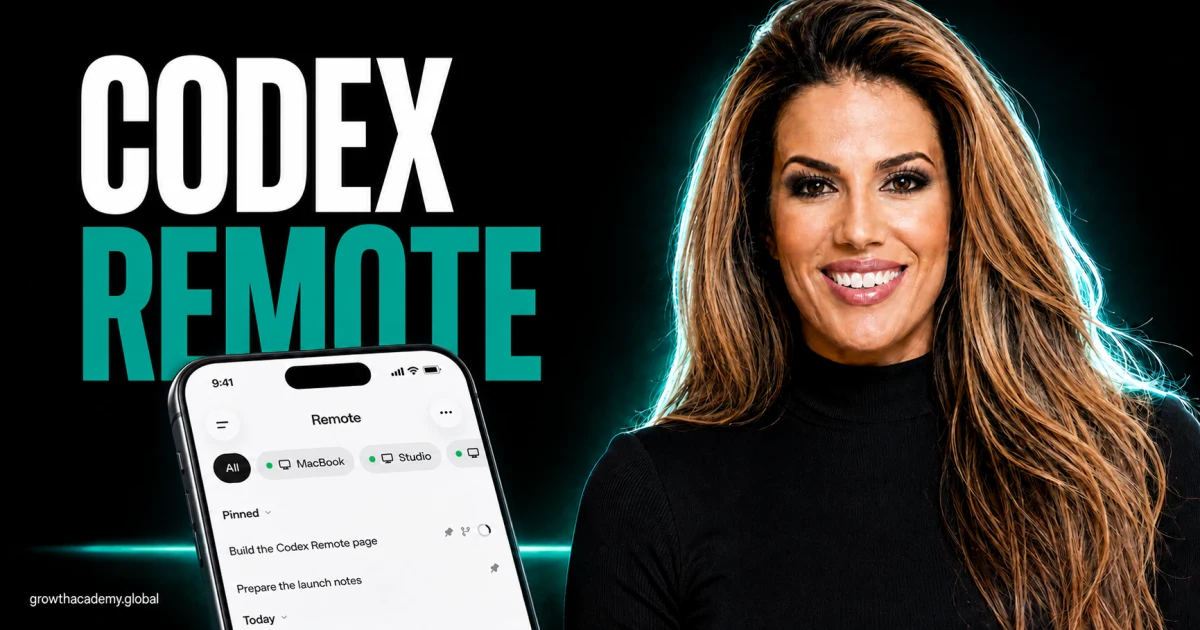
Let's be precise, because this gets oversold elsewhere. Since May 14, 2026, the ChatGPT mobile app on iOS and Android — on every plan, including Free — includes Codex Remote: you pair your phone with the Codex Mac app by scanning a QR code, and supported desktop sessions become reachable from the phone. OpenAI documents it at developers.openai.com/codex/remote.
Read the design carefully, because it is the right one: your files and credentials never leave the desktop machine. The phone is a supervision surface. It receives, in real time, exactly the things an owner needs between desks — approval requests, diffs of what the agent wants to change, terminal output, and test results.
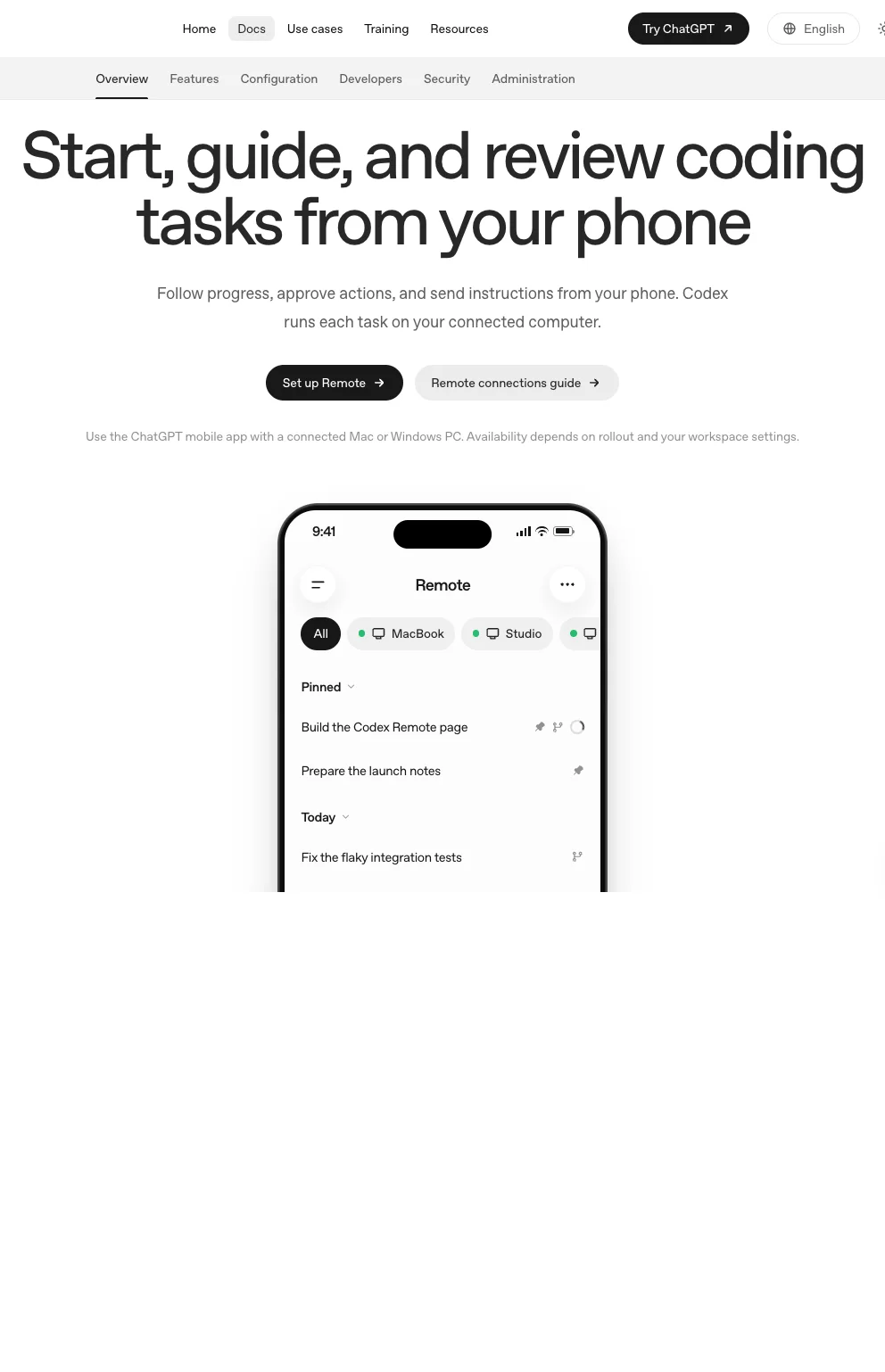
So what you actually get on the phone:
- Visibility — open the app, see where a session stands, read the output and diffs as they happen.
- Unblocking — answer the clarifying question, grant or refuse the approval, make the decision the agent is waiting on.
- Continuity — cloud-synced Work chats you started at the desk are the same chats on the phone; review the draft in the school pickup line, refine it after dinner.
That covers the three things an owner needs between desks. And yes — per OpenAI's remote-connection docs, you can even start new chats on the host machine remotely; the practical dependency is that your desktop stays awake and connected, because it is still the machine doing the work.
Why This Made My Pillar List
In the platform comparison, mobile continuity is one of the reasons I point nontechnical teams toward starting in the OpenAI environment — not because a phone screen is a good place to manage agents, but because of what adoption looks like in a real company.
Your team already has the ChatGPT app installed. The behavior "check the agent like you check your email" borrows a habit that exists, instead of installing a new one. When agent supervision requires opening a laptop, supervision happens twice a day. When it fits in the dead ninety seconds before a meeting starts, it happens constantly — and agents that get unblocked constantly deliver more finished work per week. Same models, same subscription, more output, purely because the human stopped being the slow part.
The Owner's Mobile Routine
The mobile review is a three-question pass, and it should take under two minutes:
- Is anything waiting on me? Approvals, clarifying questions, blocked steps — clear those first, always.
- Is anything drifting? Skim the latest narration the way I describe in the work-trail guide: what method is it using, what has it changed, does the direction still match what you asked?
- Is anything finished? Read the deliverable summary now, so the desk session starts with decisions instead of catch-up.
Clear, skim, read. If a check needs more than that, it is not a phone task — flag it and handle it at the desk with full context.
The Boundaries That Keep You Out of Trouble
Three rules I hold myself to:
- Review on mobile, launch at the desk. Not because the tooling forbids launching remotely — it doesn't — but because assigning meaningful new work deserves the context, files, and attention a phone doesn't give you. This is a discipline rule, not a capability limit.
- No consequential approvals you haven't read. If the approval touches money, a client, or anything public-facing, read the actual work product first — small screen is fine, skipped reading is not.
- The phone is a window, not a workstation. The moment you are typing paragraphs of correction into a phone, stop; you are doing desk work badly.
Mobile access is a supervision multiplier for the desktop-first operation you should already be running (desktop vs. browser, fully argued here). Get the desktop discipline right, and the phone turns your dead minutes into unblocked agents — which quietly becomes one of the highest-ROI habits in your whole AI rollout.